Administration
Written By Robert Thomas
Last updated 11 months ago
If you are a MEDIAL administrator, you can configure the library settings and features by clicking the sliders icon in the top menu bar after you have logged in.

Within any of the menus, you can access the main menu again by clicking the sliders icon.
Administration Topics
Navigation Elements
Use the following elements to navigate the administration site.
The main menu displays the administration functions.
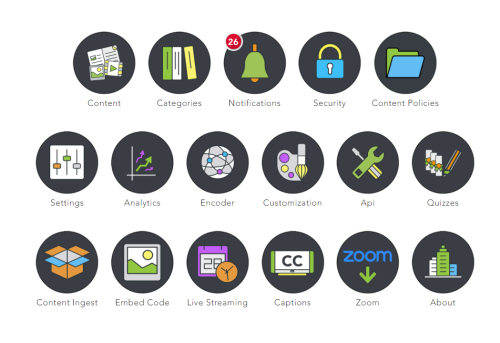
Within any of the menus, you can access the main menu by clicking the green menu button.

Settings for different areas are presented in accordion-type sections that you can open and close by clicking.
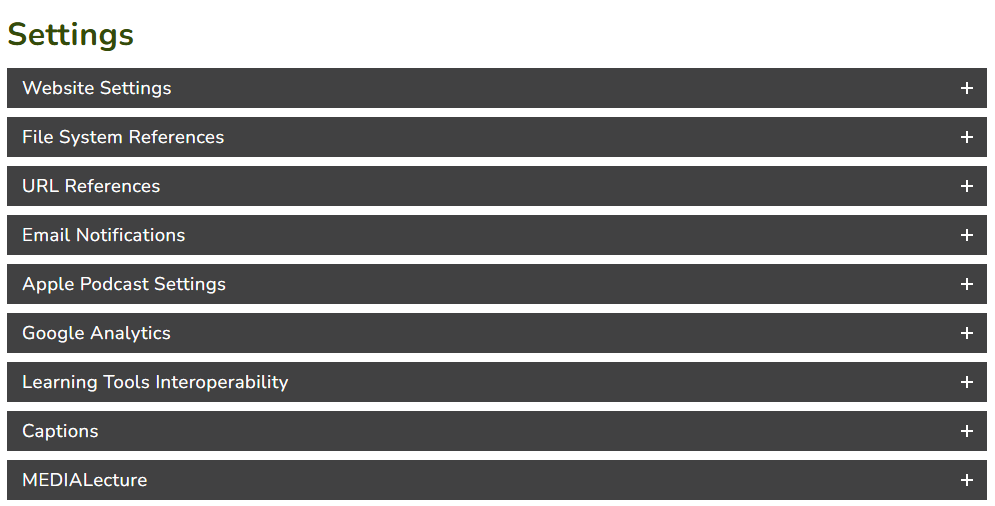
After changing settings, scroll to the bottom of the page and click Save.

Was this helpful?
Still need help? Ask the team