Embed Code
Written By Robert Thomas
Last updated 11 months ago

Under Embed Code and Player Settings, you can change the embed code and the library media player settings.
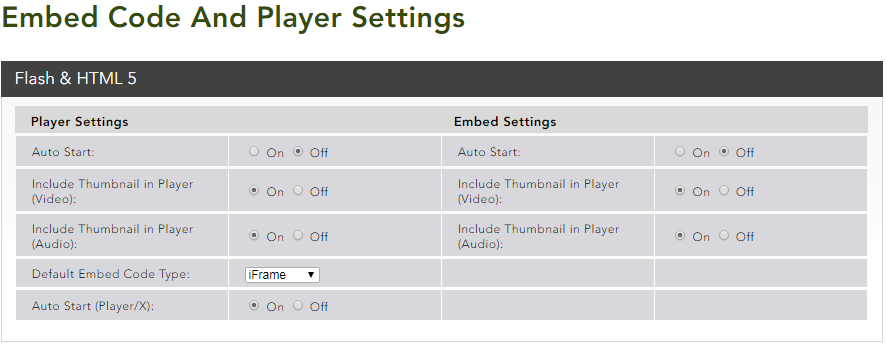
Flash & HTML 5 Settings
Auto Start – Enable or disable automatic playback of the clip on page load.
Include Thumbnail in Player (Video) – With Auto Start disabled, the player shows a high-resolution image within the player window until media starts to play.
Include Thumbnail in Player (Audio) – This is the same as above but for audio files.
Default Embed Code Type – Default embed code shown on the playback page. This can be set to Flash, JavaScript, or iFrame.
Auto Start (Player/X) - Allows auto start for the player page to be enabled or disabled.
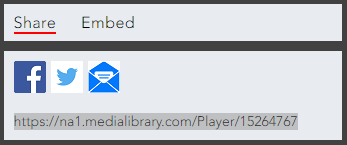
Note: The player page is displayed when a client accesses the clip using the URL which is displayed when sharing the clip.
Was this helpful?
Still need help? Ask the team